An MCP screenshot server, built into a Mac app
Shotcrisp lets Claude Code, Claude Desktop, and any MCP client see your screen — capture windows, read on-screen text, locate UI, and annotate — while your privacy rules run in the middle.
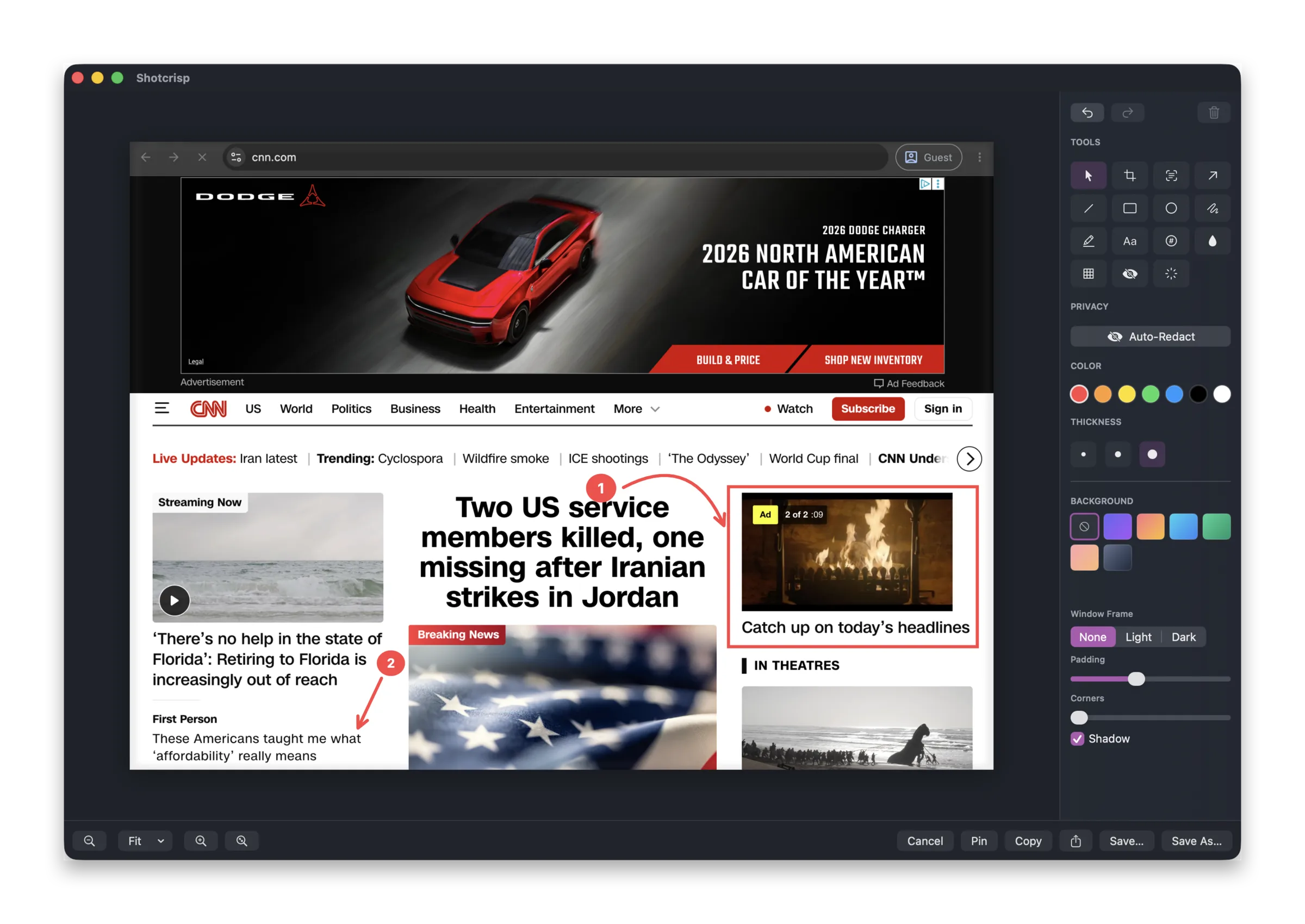
The tools your agent can call
Once you register Shotcrisp with an MCP client, the agent gets a small, purposeful toolset: list_windows and list_displays to see what's open, capture_screen and capture_window for images, read_screen_text to OCR the screen (far cheaper than sending pixels when it just needs to read), find_on_screen to locate a button or label by text, and annotate to draw arrows, boxes, and labels onto a capture. When the cloud is enabled, share_capture turns a capture into a link the agent can paste into a pull request.
Consent you can verify
Every client is approved once — and identified by its code signature, not the name it claims. A process pretending to be "Claude" but signed as something else is exposed right on the approval prompt. You can revoke any client, and an activity log records every capture an agent took.
Secrets never reach the model
Emails, API keys, passwords, and card numbers are blacked out before the agent sees a pixel. Apps on your never-capture list stay invisible, and even window titles are scrubbed of sensitive text. Detection is best-effort pattern matching — treat an agent capture like sharing your screen — but it means a stray token in a terminal doesn't quietly end up in a model context.
Works with Claude Code and Claude Desktop
Add it to Claude Code with a single command, or drag the extension into Claude Desktop. Full setup and the trust model are on the Shotcrisp MCP page. It's off by default — nothing sees your screen until you turn it on and approve a client.
Frequently asked questions
Which MCP clients work with Shotcrisp?
Any MCP client that can launch a local stdio server. Claude Code adds it with one command; Claude Desktop takes the bundled extension. The setup guide covers both.
Does the agent get raw screen pixels?
Only after your rules run: known secrets are blacked out, never-capture apps stay invisible, and read_screen_text returns OCR text instead of an image when that's all the agent needs.
Is agent access on by default?
No. It's off until you enable it in Settings → Privacy → AI Agents, and each client is approved once — identified by its code signature, not the name it claims.