Scrolling screenshots on Mac, done right
Grab a whole webpage, chat thread, or document — not just the visible part. Pick the area, scroll it steadily, and Shotcrisp stitches every screen into one seamless, tall image.
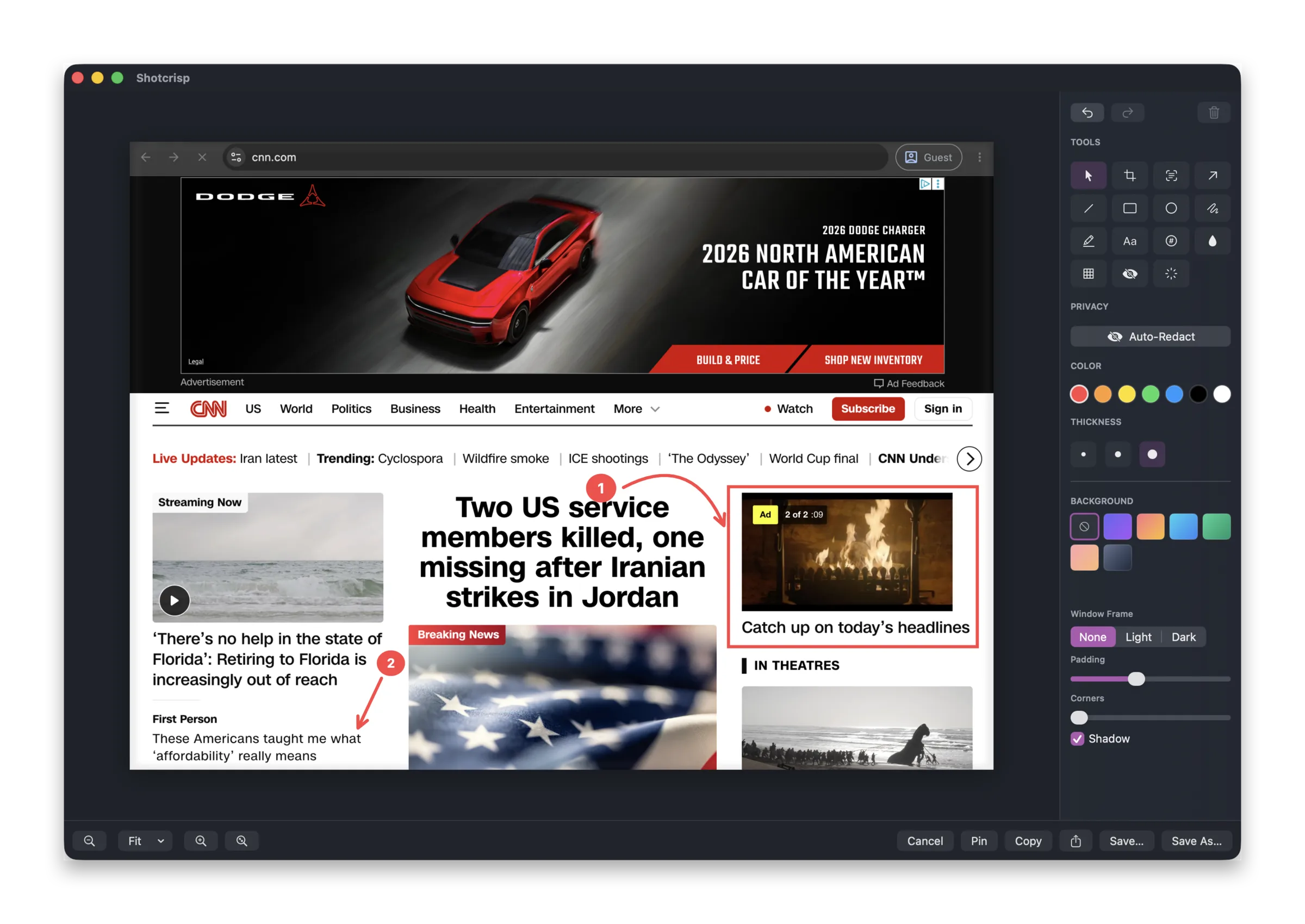
Capture the whole page, not the visible bit
macOS can't screenshot below the fold on its own. With Shotcrisp you draw the region once, scroll the content at your own pace, and every screen is stitched into a single tall image — entire docs, changelogs, and threads in one shot.
Handles sticky headers, footers, and sidebars
Most scroll-stitchers repeat the pinned parts of a page down the result. Shotcrisp detects a sticky header, footer, or sidebar and keeps it once — at the top, the bottom, or pinned to the side — so the capture reads like the page, not a smear. Scroll steadily and it tracks past fast flicks too.
Then annotate, redact, or share
The stitched image opens straight in the editor, where you can add arrows and boxes, auto-redact anything sensitive, wrap it in a clean background, and copy it to the clipboard or turn it into a share link.
Frequently asked questions
Does scrolling capture work in any app?
Yes — it stitches what's on screen as you scroll, so it works in browsers, editors, chat apps, PDFs, terminals — anything that scrolls. No browser extension needed.
What happens with sticky headers and sidebars?
Shotcrisp detects pinned page furniture and keeps it once — at the top, bottom, or side of the result — instead of repeating it down the image.
Is scrolling capture free?
Yes. Capture, stitching, and the annotation editor are completely free — Shotcrisp only charges for optional cloud sharing.