Turn a screen recording into a GIF
GIFs autoplay where a video won't — pull requests, issues, docs, chat. Record your screen with Shotcrisp, trim it, and export a clean, shareable GIF.
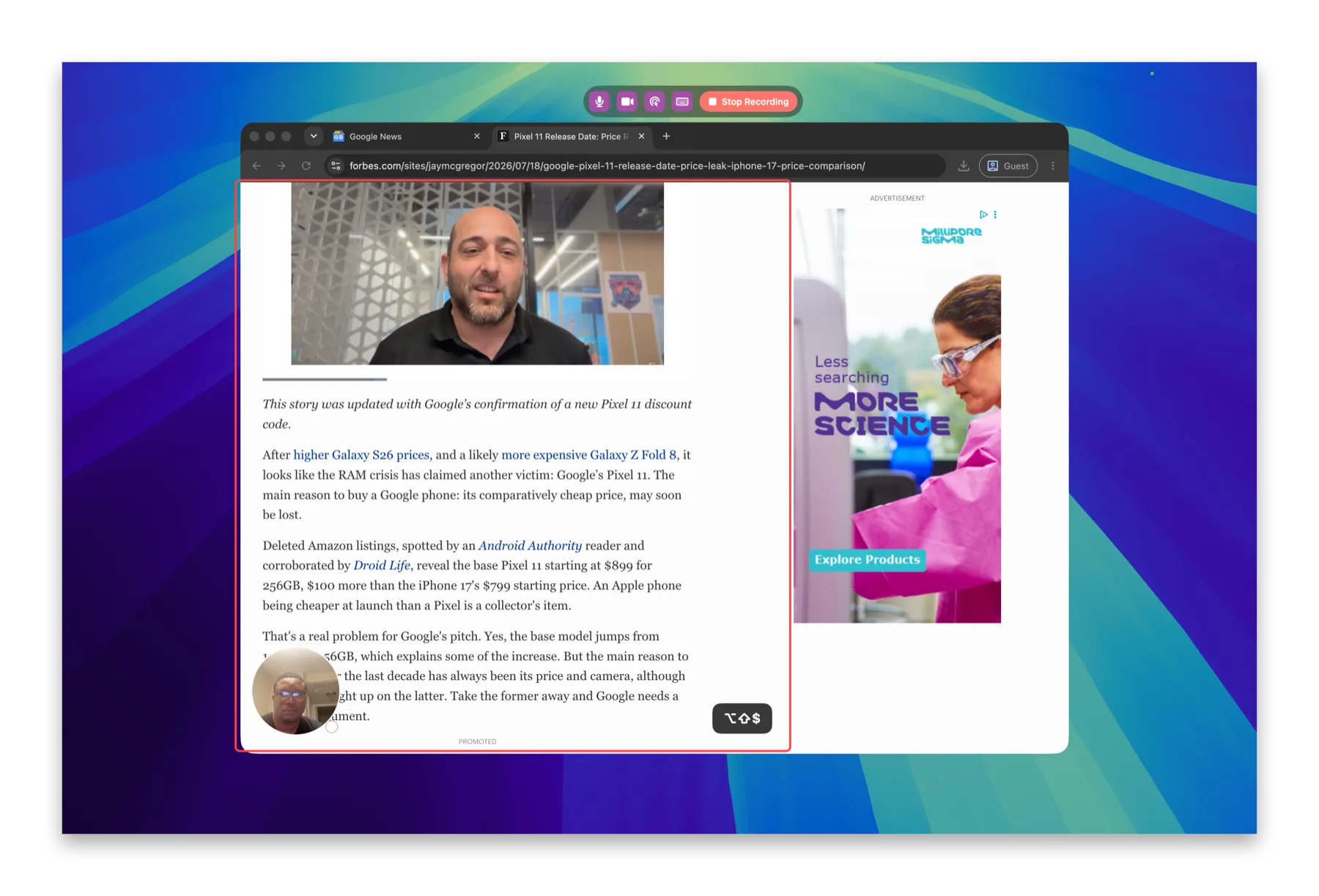
Record, trim, export
Capture the screen, a window, or an area, trim the ends in the built-in editor, and export a GIF in a couple of clicks. No round-trip through a separate converter.
Clicks and keystrokes come along
Turn on the click and keystroke overlays and they render into the GIF too, so a silent loop still shows exactly what you pressed.
Already have a recording?
Convert Recording to GIF from the menu bar takes any existing screen recording and turns it into an optimized GIF — no re-record needed.
Frequently asked questions
How do I keep the GIF small?
Record just the area that matters, trim the dead ends, and let the optimized export do the rest — a tight area recording beats compressing a full-screen one every time.
Can I convert a recording I already have?
Yes — Convert Recording to GIF in the menu bar takes an existing screen recording and produces an optimized GIF without re-recording.
Do click ripples and keystrokes show up in the GIF?
Yes — overlays are rendered into the recording, so a silent looping GIF still shows exactly what was clicked and typed.